3D Printing Guide: Slicer Settings for Perfect Cookie Cutters
July 9, 2026
Hello, creative baker and maker! If you just purchased your first digital template in STL format, you are probably asking yourself: "How do I configure my machine to make the cutter look perfect?"
Don't worry. Configuring your preparation software (like Ultimaker Cura, PrusaSlicer, or Bambu Studio) is much easier than it seems. Today, I am going to share the exact parameters that I use to achieve sturdy cutters, comfortable bases, and most importantly, a super sharp edge that slices cleanly through your dough.
Get your software ready and take note of these technical tips!
1. Layer Height: The ideal balance
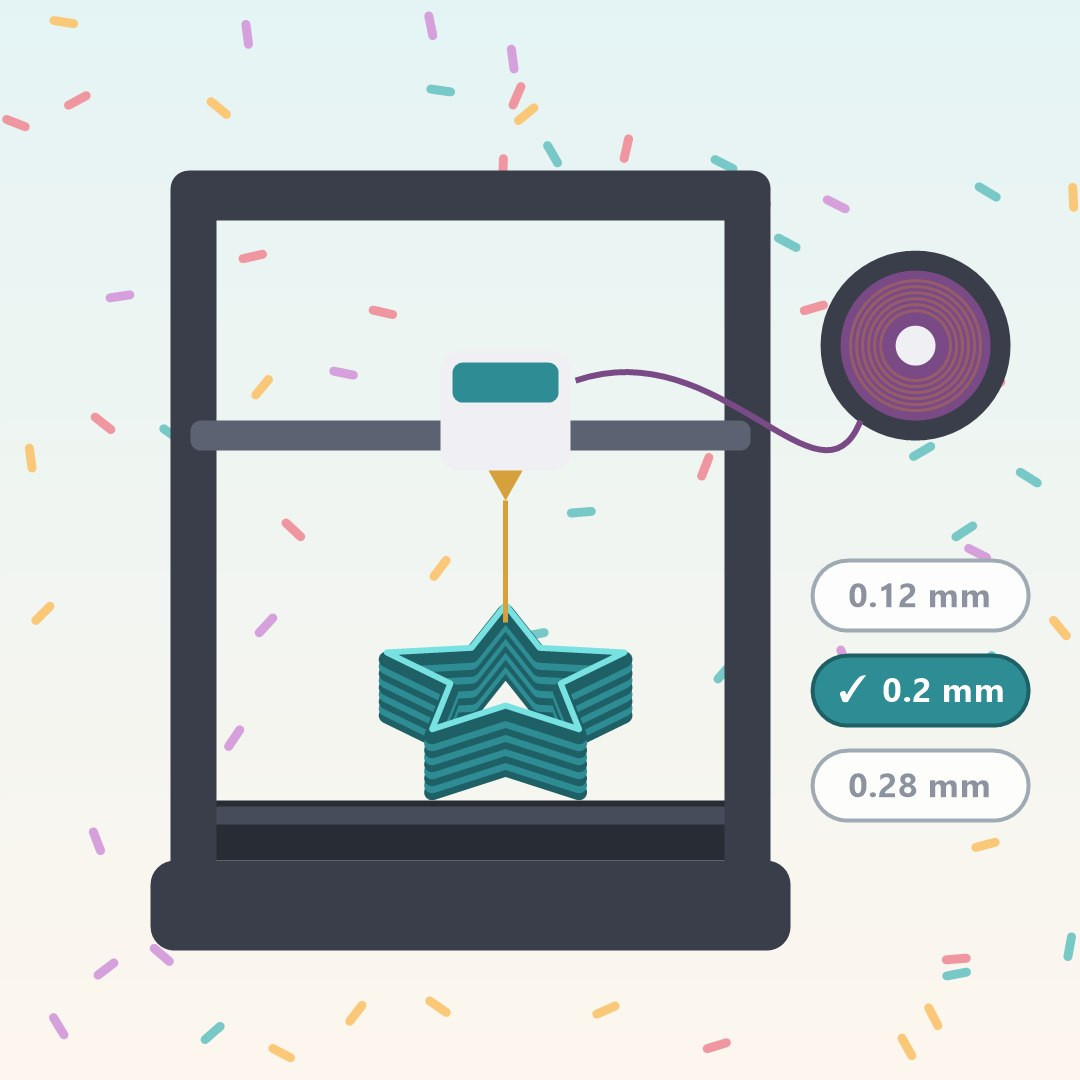
The layer height defines the resolution and quality of the piece. For cookie cutters, the magic number is 0.2 mm.
Why? It is the perfect measurement that balances a quick process with excellent adhesion between layers. If you configure it at 0.28 mm, the edge might be too rough, and if you use 0.12 mm, it will take ages without any real need.